
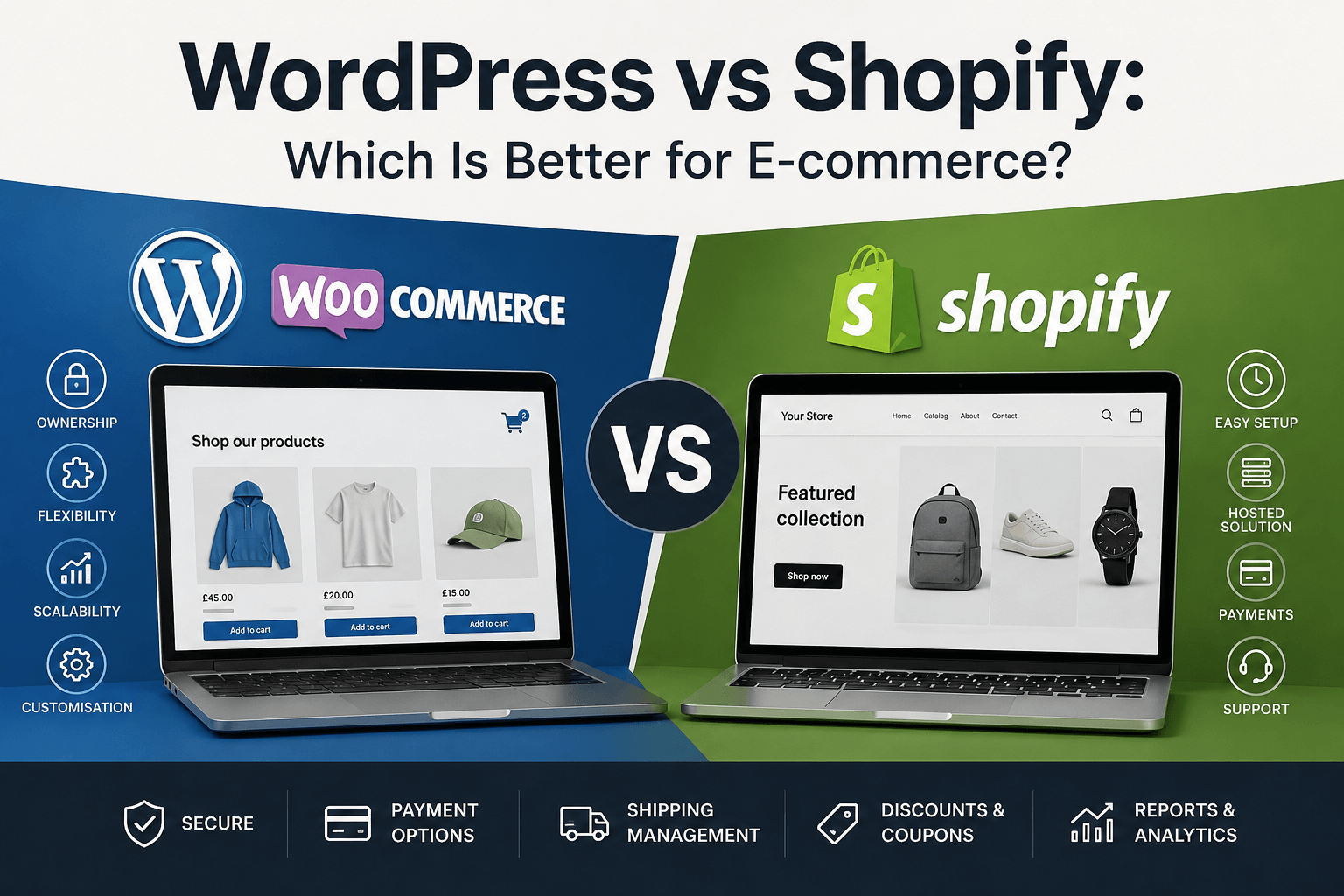
If you’re planning to sell products online, two names are likely to appear very quickly: Shopify and WordPress with WooCommerce.
Both can be used to create excellent online stores. Both support online payments, product management, shipping, discount codes and thousands of products.
But they’re fundamentally different platforms.
Shopify is a hosted e-commerce service. You pay a monthly subscription and Shopify provides the software, hosting and much of the infrastructure required to operate your store.
WooCommerce takes a different approach. It’s an e-commerce platform built on WordPress, giving businesses significantly more control over the website, hosting, functionality and underlying code.
So which is better?
For businesses wanting the simplest possible route to selling online, Shopify can be an attractive option.
But for businesses that want greater ownership, flexibility and the ability to develop their website beyond the restrictions of a hosted platform, I generally prefer WordPress and WooCommerce.
Let’s look at why.
What is WooCommerce?
WooCommerce is an e-commerce platform built for WordPress.
It transforms a WordPress website into an online shop, adding functionality for products, orders, customers, payments, shipping, tax and stock management.
This combination is important because you’re not simply getting an online shop.
You’re combining the e-commerce functionality of WooCommerce with the enormous content management and development ecosystem surrounding WordPress.
And it’s far from a niche platform.
According to W3Techs data accessed on 31 August 2026, WooCommerce is detected on approximately 8.1% of all websites, compared with approximately 5.3% for Shopify.1
Among websites where the CMS can be identified, W3Techs gives WooCommerce an 11.7% market share, compared with 7.7% for Shopify.1
That makes both platforms major players in the web and e-commerce market.
What is Shopify?
Shopify is a hosted e-commerce platform.
Rather than installing the software on your own hosting, you create a Shopify account and pay a subscription to use its infrastructure.
Your subscription includes hosting, SSL and the core tools required to operate an online store.
This is one of Shopify’s biggest advantages.
A business owner can create an account, choose a theme, add products, configure payments and start selling relatively quickly without having to think very much about the technical infrastructure behind the website.
Shopify takes care of much of that for you.
The trade-off is that you’re building your store within Shopify’s platform and its rules, rather than operating a website environment that you control yourself.
WooCommerce vs Shopify at a glance
| Feature | WooCommerce | Shopify |
|---|---|---|
| Open source | Yes | No |
| Self-hosted | Yes | No |
| Hosting choice | Yes | Shopify hosting |
| Full access to website code | Yes | Restricted by platform |
| Monthly platform subscription | No core platform subscription | Yes |
| E-commerce functionality | Excellent | Excellent |
| Content management | Excellent | Good |
| Custom development potential | Excellent | Good, but platform dependent |
| Choice of payment providers | Extensive | Extensive |
| Third-party platform transaction fee | No WooCommerce platform fee | Can apply when not using Shopify Payments |
| REST API | Yes | Yes |
| Suitable for beginners | Yes, with setup | Excellent |
| Suitable for bespoke websites | Excellent | More restricted |
| Data/control | High | Platform dependent |
Neither platform wins every category.
The important question is which advantages matter to your business.
1. WooCommerce gives you greater control over your website
This is probably the biggest reason I favour WooCommerce for many business websites.
WordPress is open-source software and WooCommerce sits within your WordPress installation.
That means you can choose:
- where the website is hosted
- how the server is configured
- which payment providers you use
- how your website is structured
- how products are presented
- which plugins and extensions are installed
- what custom functionality is developed
- how your database and integrations work
You can also move the website to another compatible hosting provider or work with another WordPress developer in the future.
With Shopify, your store operates within Shopify’s hosted ecosystem.
That’s not necessarily bad. In fact, removing those technical decisions is part of Shopify’s appeal.
But you’re exchanging some control for convenience.
For a simple online shop, that may be a worthwhile trade.
For a business expecting its website to become more sophisticated over time, I think ownership and flexibility become increasingly important.
2. Shopify is easier to get started with
This is an area where Shopify deserves credit.
If your objective is simply:
“I want to start selling products online as quickly as possible”
Shopify is very good at it.
Hosting is included, SSL is included and Shopify manages much of the underlying infrastructure.2
You don’t need to select a web host or install an e-commerce platform.
WooCommerce requires more initial setup.
You need WordPress, suitable hosting, WooCommerce configuration, payment processing and an appropriately developed theme.
That’s one reason I wouldn’t necessarily recommend WooCommerce to someone who wants to build their entire store themselves over a weekend with minimal technical knowledge.
But there’s an important distinction between the easiest website to set up and the best platform to own for the next five or ten years.
For a professionally developed business website, I’d usually put more weight on the latter.
3. WooCommerce doesn’t require a monthly platform subscription
WooCommerce itself doesn’t require you to subscribe to a Shopify-style monthly platform plan.
That doesn’t mean running a WooCommerce store is free.
You’ll still need things such as:
- domain registration
- website hosting
- payment processing
- maintenance
- potentially premium plugins
- potentially premium themes
- professional development or support
Shopify packages more of those infrastructure costs into its subscription.
As of August 2026, Shopify’s UK pricing lists its main plans at approximately:
- Basic – £25/month when paying monthly
- Grow – £65/month
- Advanced – £344/month
- Plus – from £1,800/month
Lower equivalent monthly prices are available when paying annually.2
For many businesses these fees won’t be prohibitive.
But they’re worth considering as part of the long-term cost of the website rather than looking only at the initial development cost.
4. Payment fees deserve particular attention
This is an area I’d encourage businesses to examine carefully when comparing platforms.
Both WooCommerce and Shopify stores normally incur payment-processing fees from whichever payment service processes the customer’s card or other payment method.
Shopify can additionally charge a third-party transaction fee when a business uses a third-party payment provider instead of Shopify Payments.
At the time of writing, Shopify lists those third-party transaction fees as:
- Basic – 2%
- Grow – 1%
- Advanced – 0.6%
- Plus – 0.2%
These are separate from the fees charged by the external payment processor.2
This doesn’t mean every Shopify transaction attracts an additional platform fee. Businesses using Shopify Payments avoid those particular third-party transaction fees.
But businesses wanting to use a different payment provider should understand the potential cost.
WooCommerce itself doesn’t impose an equivalent percentage platform fee simply because you choose a particular payment gateway.
That freedom can become particularly valuable as transaction volumes increase.
5. WooCommerce is exceptionally customisable
This is where the difference becomes particularly important to me as a developer.
Most online shops eventually need something that isn’t completely standard.
Perhaps you need to:
- synchronise products with an EPOS system
- communicate with stock-management software
- create unusual product options
- calculate bespoke pricing
- connect to a CRM
- create trade customer accounts
- introduce customer-specific pricing
- build a product configurator
- integrate with an external API
- automate order processing
- change the checkout process
- create custom reporting
- build functionality unique to your business
WooCommerce is particularly well suited to this kind of development.
WooCommerce provides REST APIs that allow developers to read and write data including orders, products, coupons, customers and shipping zones.[3]
It also provides developer APIs for extending areas such as payment gateways, shipping methods and settings.3
That’s extremely powerful.
Instead of asking:
“Does the platform allow us to do this?”
a WooCommerce project can often become:
“What’s the best way for us to build this?”
For businesses with unusual requirements, that’s an important difference.
6. Shopify can also be extended — but there are platform boundaries
It would be misleading to suggest Shopify can’t be customised.
It absolutely can.
Shopify has an extensive app ecosystem and APIs, and developers can build custom Shopify functionality.
But the level of access available depends on what you’re trying to change and, in some cases, which Shopify plan you’re using.
Checkout is a good example.
Shopify’s own documentation explains that some checkout customisations are available on standard plans, while apps that customise the information, shipping and payment pages have functionality reserved for Shopify Plus.4
Shopify Plus currently starts at approximately £1,800 per month in the UK.2
With WooCommerce, the checkout is part of the website environment you’re developing.
That gives developers much greater freedom when a business needs genuinely bespoke behaviour.
7. WordPress is stronger when content and e-commerce need to work together
Not every e-commerce website should feel like a catalogue with a blog attached.
Content can be a major part of attracting potential customers through search engines.
You might want:
- buying guides
- product comparisons
- tutorials
- case studies
- FAQs
- landing pages
- news
- detailed product information
- videos
- industry resources
This is where the combination of WordPress and WooCommerce is particularly strong.
WordPress started as a publishing platform and has developed into the world’s most widely used CMS.
As of 31 August 2026, W3Techs reports that WordPress powers approximately 40.7% of all websites and holds around 58.9% of the identifiable CMS market.5
WooCommerce effectively adds a full commerce layer to that content-management foundation.
For businesses relying on SEO, educational content and long-term organic traffic, that’s a very attractive combination.
8. What about SEO?
Both Shopify and WooCommerce websites can rank extremely well in search engines.
Simply choosing WordPress doesn’t automatically give you better SEO.
Likewise, using Shopify doesn’t prevent you from achieving strong rankings.
SEO depends on considerably more than the name of the platform.
It includes:
- website structure
- content quality
- page speed
- internal linking
- metadata
- structured data
- backlinks
- crawlability
- user experience
- product information
- technical implementation
Where I believe WordPress and WooCommerce have an advantage is control.
Developers have extensive control over templates, page structure, content, metadata, schema implementation, internal linking and technical optimisation.
That can be particularly useful when developing a more advanced SEO strategy.
9. What about website performance?
This one isn’t as simple as saying one platform is faster than the other.
Shopify benefits from having its hosting infrastructure managed centrally.
With WooCommerce, performance depends heavily on the quality of the hosting and how well the website has been developed.
A badly configured WooCommerce store with dozens of unnecessary plugins can absolutely become slow.
But that’s not an inherent limitation of WooCommerce.
With appropriate hosting, caching, image optimisation, database management and careful development, WooCommerce can perform extremely well.
The difference is again one of control.
With WooCommerce, developers can optimise the application and hosting environment.
With Shopify, much of the underlying infrastructure is managed for you.
10. Who owns your website?
This is a question I think businesses should ask more often.
Your website can become one of your company’s most valuable digital assets.
It contains your:
- products
- customer data
- content
- search rankings
- images
- integrations
- order history
- marketing pages
- years of development work
With a self-hosted WordPress and WooCommerce website, you have direct control over the WordPress installation and database and can choose where that website is hosted.
You’re not required to keep the website on one particular commercial hosting platform.
That portability is something I value highly.
A hosted service such as Shopify provides enormous convenience, but ultimately the store operates within Shopify’s infrastructure.
For many businesses that’s completely acceptable.
For others, greater independence is worth having.
Is Shopify ever the better choice?
Absolutely.
I’d seriously consider Shopify where a business:
- wants to launch a relatively straightforward store very quickly
- doesn’t have technical support
- wants the hosting and platform managed as one service
- has relatively standard e-commerce requirements
- doesn’t expect significant bespoke functionality
- is comfortable operating within a hosted ecosystem
Shopify is popular for good reasons.
It removes much of the technical complexity involved in running an online store.
When would I choose WooCommerce?
I’d generally recommend WooCommerce where a business:
- wants greater ownership and control
- already uses WordPress
- considers SEO and content important
- needs custom functionality
- needs integrations with other business systems
- wants freedom over hosting
- wants flexibility over payment providers
- expects its requirements to evolve
- wants a bespoke website rather than primarily configuring a hosted platform
- doesn’t want its entire website tied to one commercial platform
This is particularly relevant for established businesses.
The website you need today isn’t necessarily the website you’ll need three years from now.
Being able to modify and extend the platform can therefore be more important than how quickly you can initially create it.
WooCommerce vs Shopify: which would I choose?
For most businesses where I’m building a professional e-commerce website, I’d choose WordPress and WooCommerce.
Shopify arguably wins on simplicity.
WooCommerce wins for me on control, ownership, customisation and long-term flexibility.
And those are qualities I consider particularly important for a serious business website.
The fact that WooCommerce is currently detected on a greater proportion of websites than Shopify also demonstrates that choosing an open-source solution doesn’t mean choosing an obscure or unsupported platform.1
Both have enormous ecosystems and both are capable of running successful online stores.
The deciding factor shouldn’t therefore be:
“Which platform is best?”
It should be:
“Which platform is best for what my business wants to achieve?”
For a straightforward store where convenience is the overriding priority, that answer might be Shopify.
For a website that needs to become a flexible, customisable and independently controlled part of the business, I’d choose WooCommerce.
Need an e-commerce website?
At Lucidflare Tech, I develop WordPress and WooCommerce websites for businesses that need more than a basic off-the-shelf online shop.
That can include everything from a new e-commerce website through to custom functionality, payment integrations, external APIs, product synchronisation and ongoing development.
The objective isn’t simply to install WooCommerce and add some products.
It’s to build an e-commerce website around the way your business actually works.
Learn more about E-commerce Development
Learn more about WordPress Development
Explore Web Design & Development